- Home
- Multilogin Getting Started Guide
- How to Change Account Settings in Multilogin
How to Change Account Settings in Multilogin
Author Yelena V (Updated on March 4, 2026)
Updated on March 4, 2026
Want to make Multilogin more aligned with your usage habits? Whether it's switching languages, updating your password, or adjusting the date format, this guide can help you customize your account settings for a smoother and easier experience.
How to Switch Workspaces
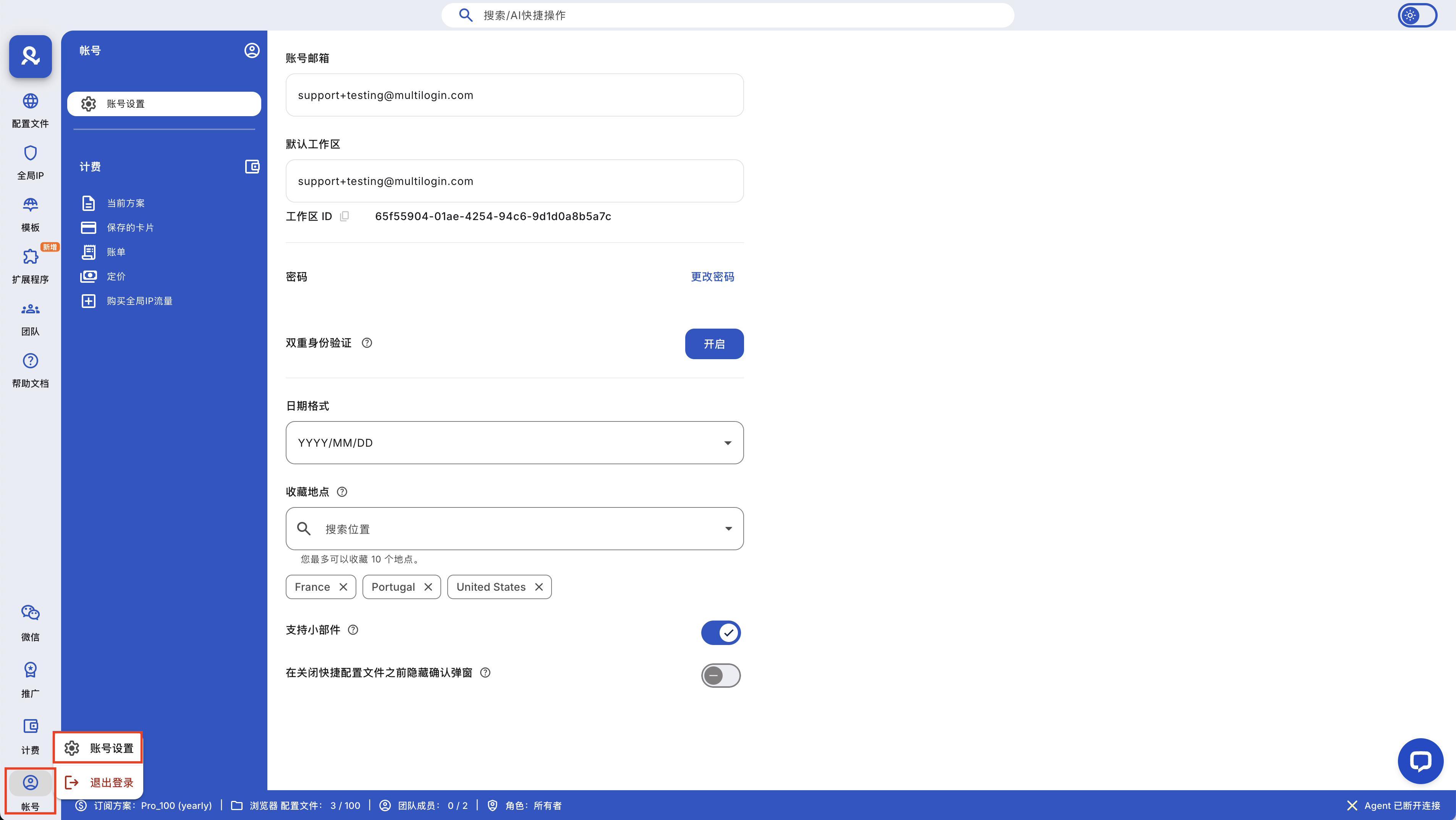
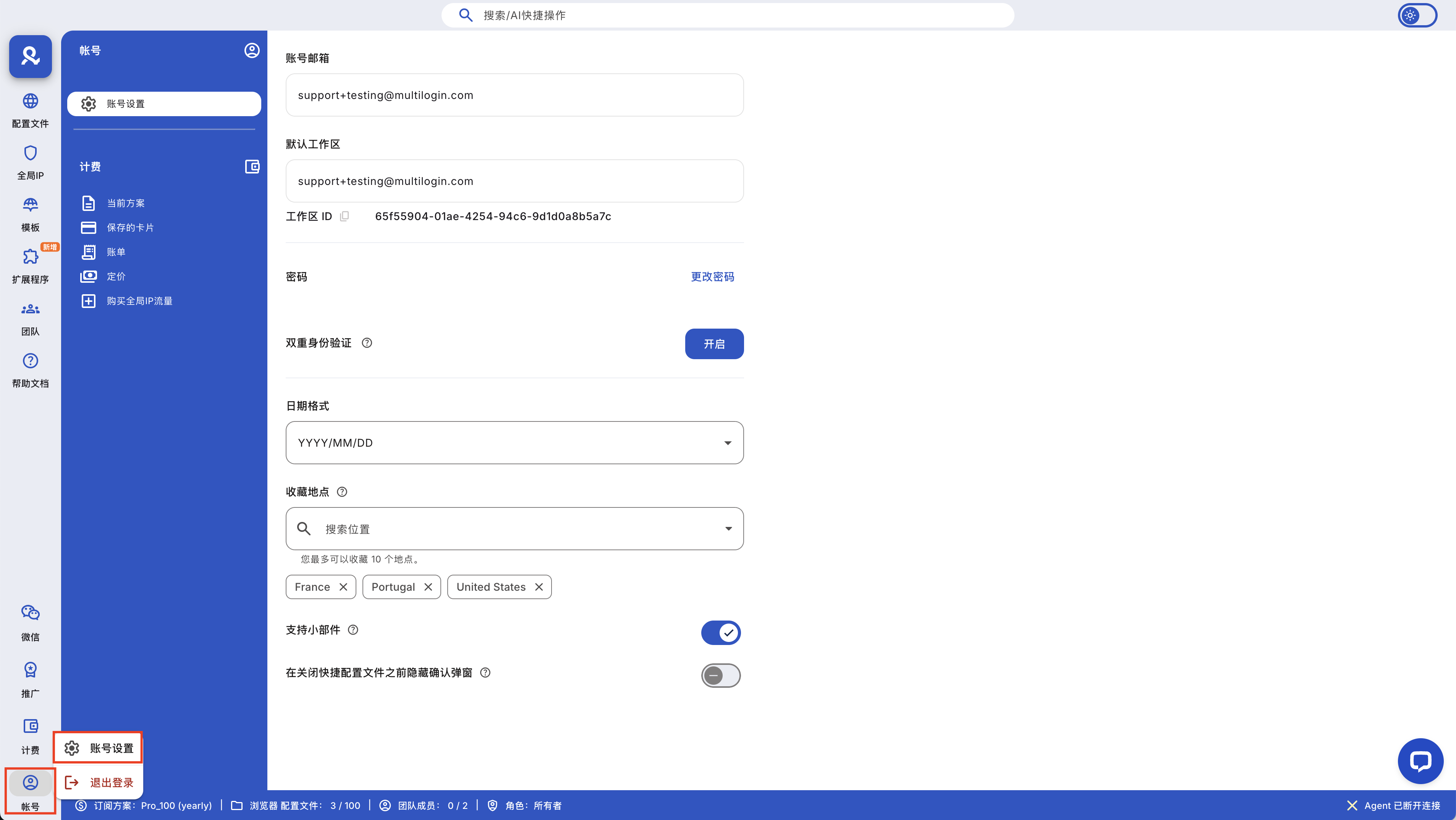
- Click the "Account" section in the bottom left corner, then select "Account Settings"
- Use the "Default Workspace" selector to switch to other workspaces you have access to
You can also click the Multilogin icon in the top left corner of the dashboard to switch workspaces.
How to Change Password

Need to set a new password? Here's how:
- Click on the "Account" section in the bottom left corner, then select "Account Settings"
- Click on "Change Password"
- Follow the prompts to set a new secure password

How to Customize Date Formats
Want to view the date in a different way? You can also change the format here:

- Click on the 'Account' section in the bottom left, then select 'Account Settings'
- Find the 'Date Format' dropdown menu
- Choose the format that suits you best (for example, MM/DD/YYYY or DD/MM/YYYY)
How to Save Favorite Global IP Locations
You can save up to 10 global IP location preferences to speed up your workflow:
- Click on the 'Account' section at the bottom left, then select 'Account Settings'
- Scroll to 'Favorite Locations'
- Search for and select the locations you want to add or remove
How to Enable or Disable Widget Support
- Click the 'Account' section in the bottom left corner, then select 'Account Settings'
- Turn the 'Support Widget' toggle on or off
This way, you can decide whether or not to display the live support widget in the bottom right corner of the app.
How to Change Your Email
Due to technical limitations, you are currently unable to change the email address for the Multilogin app. Don't worry, we will add this feature soon!
In this article
- How to switch workspaces
- How to change your password
- How to customize the date format
- How to favorite preferred global IP locations
- How to enable or disable support widgets
- How to change your email
Multilogin Community
Stay informed, share your thoughts, and interact with others!
Read more related content
Related Articles
- Why Multilogin can benefit your business
- Invite friends and earn rewards: earn 15% for each successful referral
- Multilogin: main features and advantages
- How to navigate the Multilogin interface
- Common mistakes that may disrupt your Multilogin workflow