- Home
- Main Features
- Configuration Management and Operations
- How to Change the Starting URL in Multilogin
How to Change the Starting URL in Multilogin
Author Yelena V (Updated on June 12, 2026)
Updated on June 12, 2026
Who can use this feature?
- 👨💻 Account owners, managers, and operators
- 💰 Available for all subscription plans
The Role of the Starting URL
The starting URL refers to the first page (or multiple pages) that opens when you launch the profile you created. It's like setting your own custom homepage, but even better. Whether it's a login page, dashboard, or research tool, you can immediately access the location you need. You can assign up to 5 custom starting URLs for each profile.
Why the Starting URL Is Useful
- Skip routine procedures: No need to re-enter your access link each time
- Manage multiple accounts: Open login pages for each account simultaneously
- Increase productivity: Load emails, documents, and tools all at once
- Simplify testing: Open multiple URLs side by side to compare settings or track changes
How to Use the Starting URL
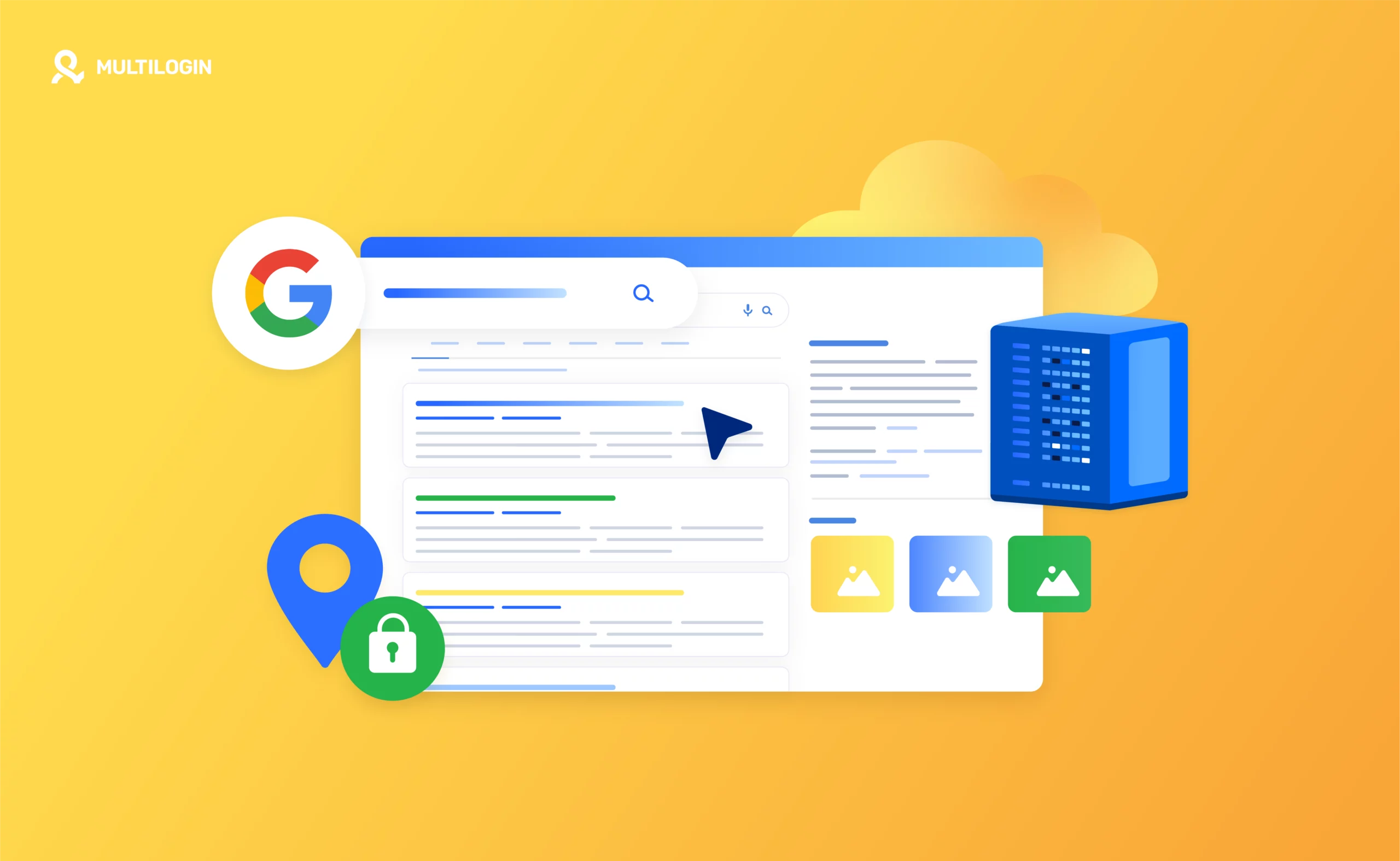
- In your profile settings, open the 'General' section
- Find the 'Startup Tab Behavior' section, then select 'Custom'
- Add one or more URLs – each URL will open in its own tab
- Choose whether to load them only on first startup or every startup
Worried about privacy? Don't be – websites cannot track your use of the Multilogin check page. Thanks to the same-origin policy, websites can only access cookies and data from their own domain.
Frequently Asked Questions
Can I change it back to restore the previous tab?
Sure — go to the 'Startup Tab Behavior' section in your profile settings, and then select 'Restore'. 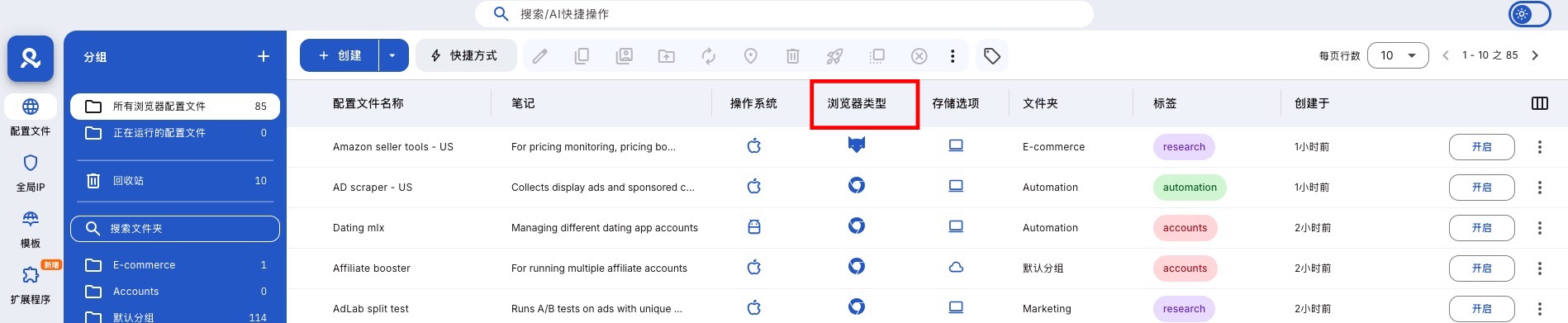
Can I open multiple tabs at the beginning?
Yes! Just add multiple URLs, and they will open in their respective tabs.
Can I change it later?
Of course. You can edit or delete URLs at any time in your profile settings.
Will the starting URL affect my fingerprint or tracking?
No. Due to browser security rules, websites will not know what tools you are using.
In this article
- The function of the start URL
- Why the start URL is useful
- How to use the start URL
- Frequently Asked Questions
- Can I change it to restore previous tabs?
- Can I open multiple tabs at startup?
- Can I change it later?
- Will the start URL affect my fingerprint or tracking?
Multilogin Community
Stay informed, share your thoughts, and interact with others!
Read more related content
Related Articles
- How to create and start your first profile in Multilogin
- How to start and stop profiles in Multilogin
- How to use the right-click menu in Multilogin
- How to save quick profiles like normal in Multilogin
- How to use cloud and local profile storage in Multilogin
- How to use quick profiles in Multilogin