- Home
- Main Features
- Configuration Management and Operations
- How to Start and Stop Profiles in Multilogin
How to Start and Stop Profiles in Multilogin
Author Yelena V (Updated on June 11, 2026)
Updated on June 11, 2026
Who can use this feature?
- 👨💻 Account owners and all team members
- 💰 Available for all subscription plans
How to Create a Configuration File
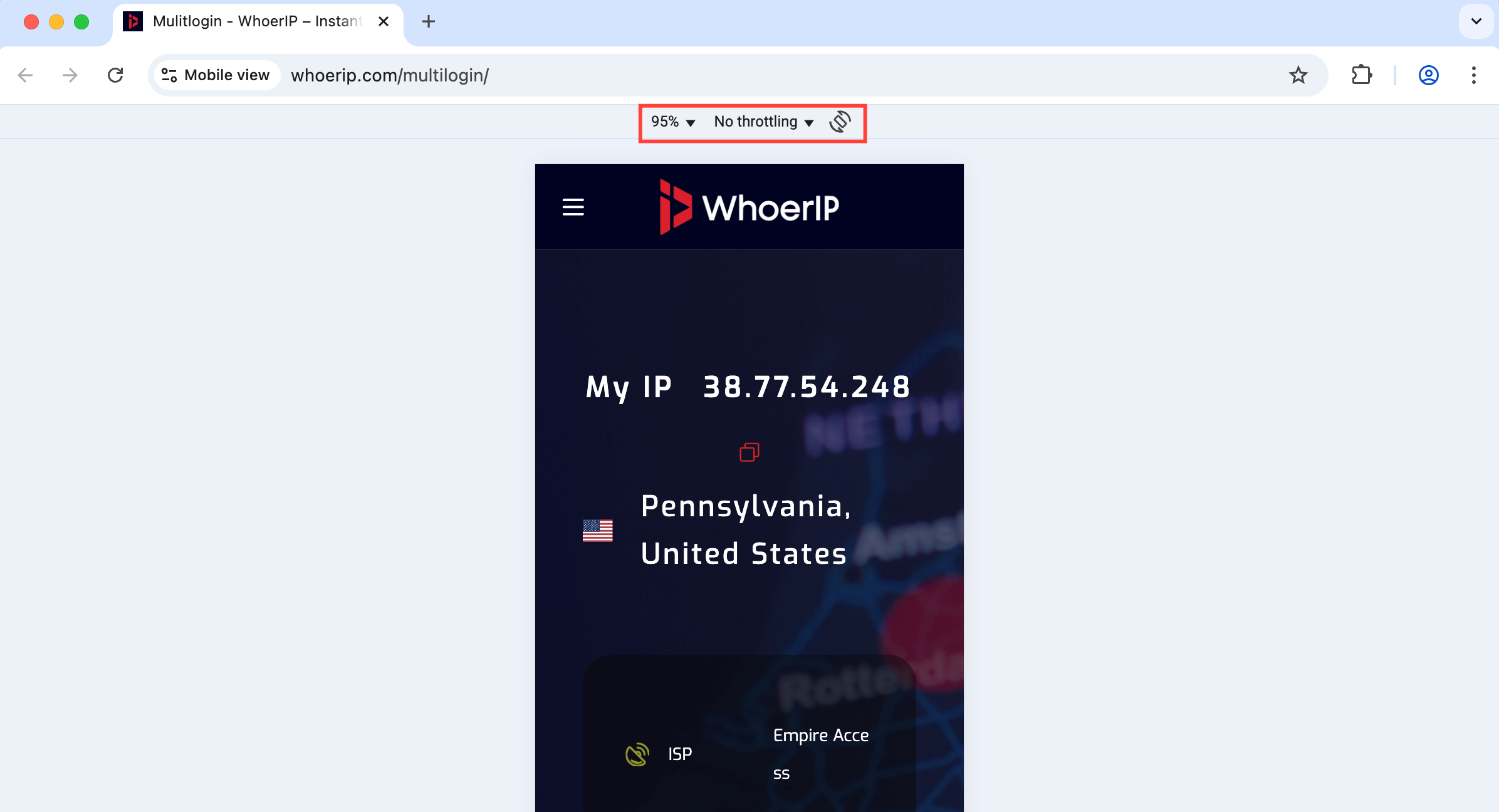
Click 'Start' next to the browser profile. Once opened, you will enter the Multilogin start page — here you will see details of your profile fingerprint. Learn how to further check your fingerprint in our article 'How to Fix Inconsistent Browser Fingerprints'.
How to Stop Profile
Click 'Stop' next to the browser profile.
- Cloud Profile: Your session data will automatically sync with the server.
- Local Profile: Data is stored on your computer, which means you cannot access it on other devices.
For team collaboration, always use a cloud profile. For more information about storage options, see the article 'Cloud Storage and Local Storage in Multilogin'.
How to Fix Common Configuration File Start and Stop Issues
Encounter an error when starting or stopping profiles? Whether it's a global IP issue, browser error, or system restriction, we can help you. Below are some quick fixes for common problems to help you get back to work smoothly.
- How to unlock a locked profile
- How to fix profile startup or global IP connection issues
- How to fix Mimic startup issues on Linux
- How to fix the "Your Windows system cannot execute the Win API calls required to start the Stealthfox browser" error
- How to fix the "Cannot retrieve profile data" error
- How to fix the "Oops, it crashed!" error
- How to fix the "ERR_CONNECTION_CLOSED" error
- How to fix the "Some settings were reset" error
- How to fix the "Profile cannot start" error
- How to fix the "Incorrect global IP data" error
In this article
- How to create a configuration file
- How to stop a configuration file
- How to fix common configuration file start and stop issues
Multilogin Community
Stay informed, share your thoughts, and interact with others!
Read more related content
Related Articles
- How to create and start your first profile in Multilogin
- How to use the right-click menu in Multilogin
- How to save a quick profile in Multilogin as usual
- How to use cloud and local profile storage in Multilogin
- How to use quick profiles in Multilogin
- How to switch profile storage types in Multilogin