- Home
- Main Features
- Cookie and Session Control
- How to Run CookieRobot in the Multilogin Interface
How to Run CookieRobot in the Multilogin Interface
Author Chloe P (Updated on June 11, 2026)
Updated on June 11, 2026
Which users can use this feature?
- 👨💻 Account owners and all team members
- 💰 Available for all plans
CookieRobot Features
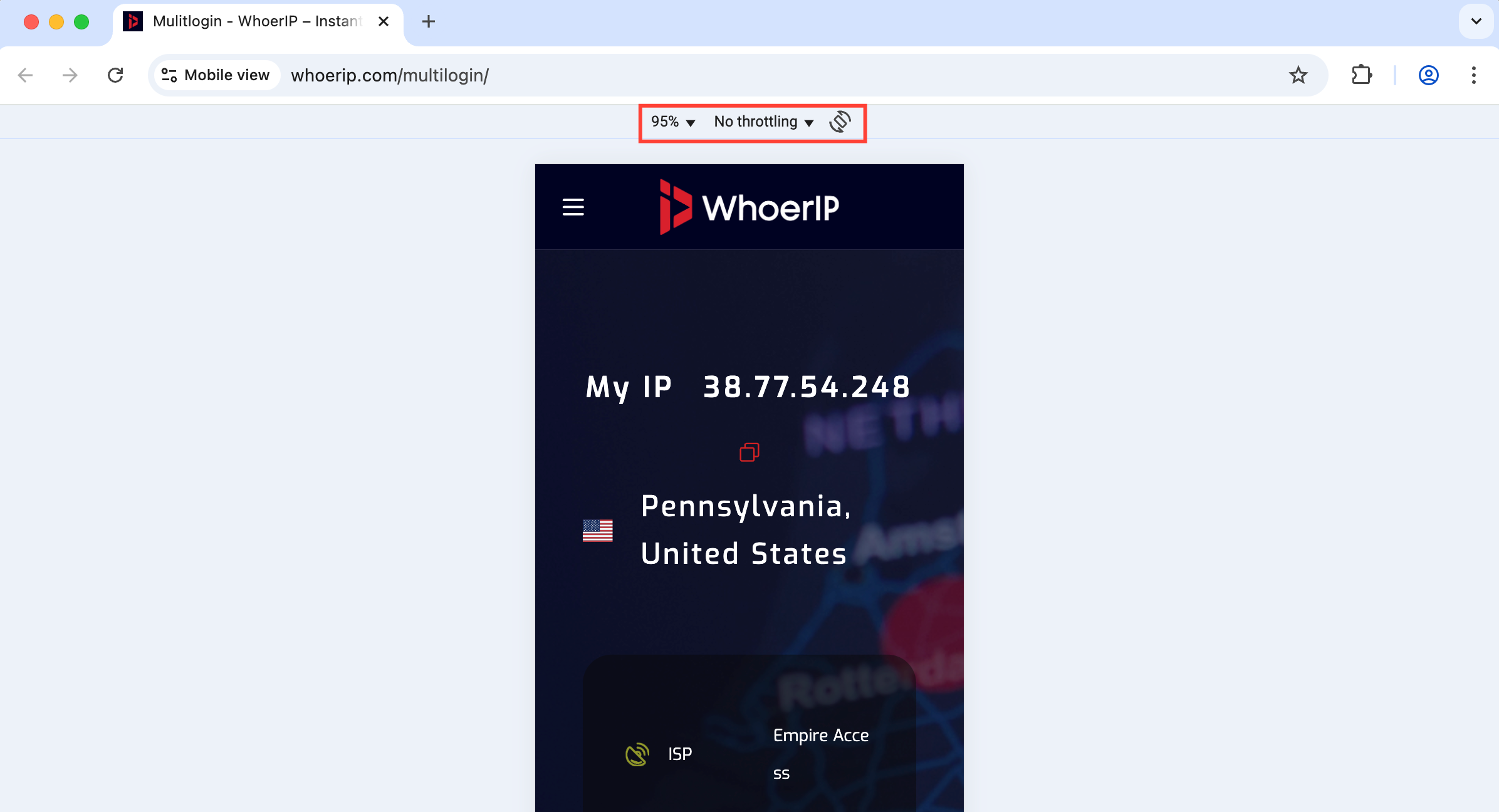
CookieRobot will automatically open websites for you, automatically accept cookie pop-ups, and perform other actions to collect cookies to improve your profile. This helps make your profile appear more authentic, just like a real person browsing the web.
Uses of CookieRobot
- Save time: You don't need to visit each website in person.
- Make profiles look more authentic: Build browsing history for your profiles.
- Batch processing: You can run up to 10 profiles simultaneously to speed up processing.
How to Access CookieRobot Settings
CookieRobot cannot run on active profiles, so you need to stop these profiles first.
- Go to your list of profiles
- Use the checkboxes on the left to select up to 10 profiles.
- Click "Run CookieRobot" in the top toolbar or right-click menu
How to Set Up and Run CookieRobot
After clicking 'Run CookieRobot', you will see a window containing its settings:
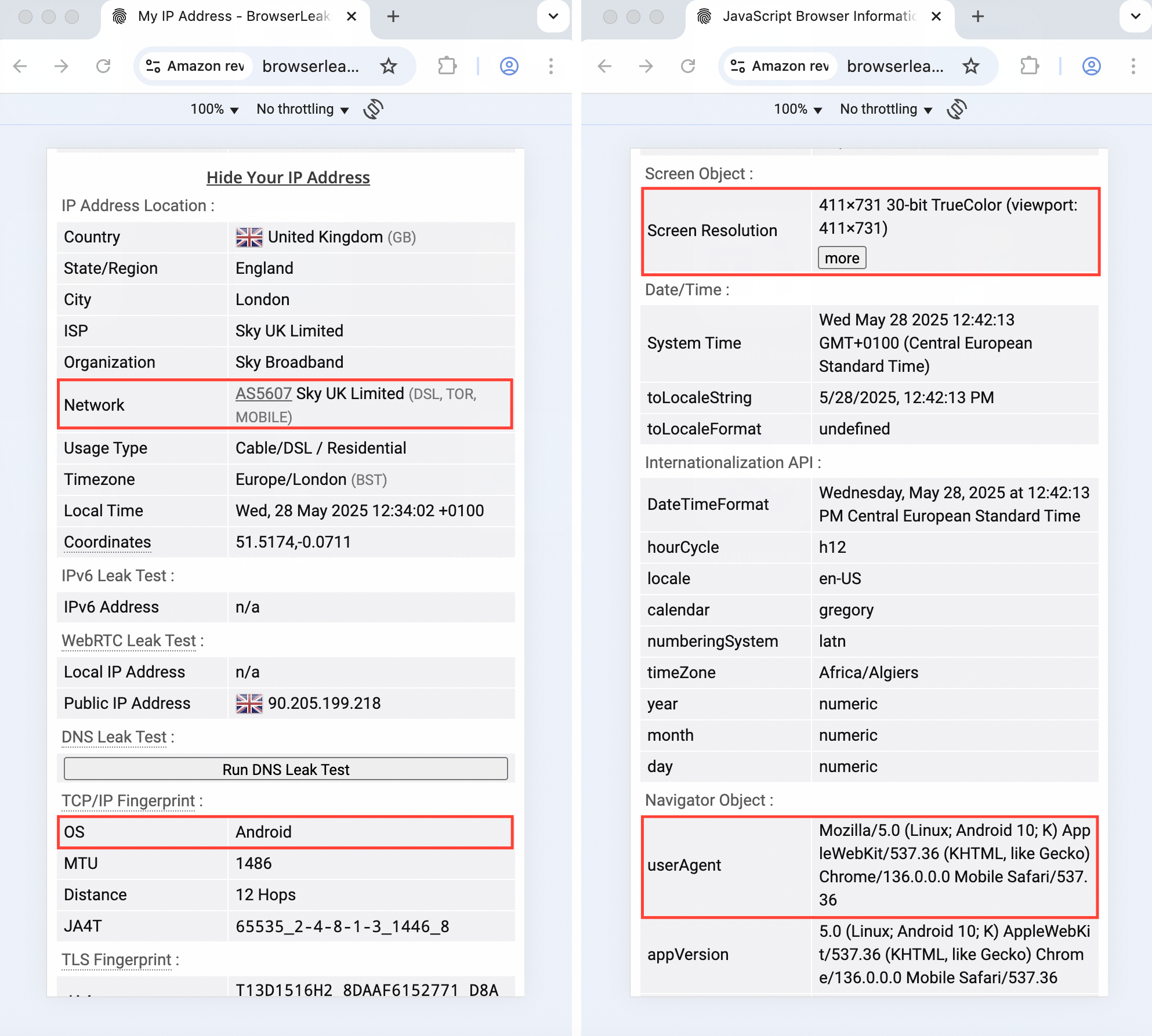
- In the 'Links to Crawl' field, add URLs separated by commas, spaces, or line breaks, or leave it blank to use the default website list.
- Enable or disable this setting to automatically close the profile after crawling all websites.
- Click 'Run', and a message will pop up saying 'CookieRobot is running for X users'.
After CookieRobot is finished, we will display the message 'CookieRobot task is complete'.
Frequently Asked Questions
Which websites should I add to the 'Links to Crawl' list?
Add websites related to your usage scenarios, as well as the websites with the highest traffic in your target area. Also, don’t forget to add your target domain. This way, CookieRobot can better identify useful cookies.
Due to browser security rules, a website usually cannot directly read the cookies of another website. But the problem is—third-party cookies, tracking pixels, and scripts can track your activity across websites.
Therefore, although a website cannot peek at another website’s cookies, these tracking tools can still track you across the web.
How many websites should CookieRobot visit?
Rather than running a large amount of data all at once, it is better to run CookieRobot in batches and evenly over several days. This helps maintain the stability of global IP servers and reduces the risk of IP leakage.
What is the default website list?
If you leave the 'Links to crawl' field empty, the following is the list used by CookieRobot:
- aliexpress.com
- Amazon website
- ebay.com
- fiverr.com
- google.com
- reddit.com
- twitch.com
- twitter.com
- Yahoo website
- youtube.com
- en.wikipedia.org
When using the default list, be sure to consider the domain source. For example, if you want to collect cookies from a UK Amazon account, you should use amazon.co.uk instead of amazon.com.
Will CookieRobot use global IP data?
Yes, CookieRobot uses global IP data. To save bandwidth, please enable the global IP traffic saving feature in your profile settings. If necessary, you can disable it later. We do not recommend collecting cookies without using a global IP, nor do we recommend using these cookies later with a different IP address. Websites can track your IP address, and changing locations may draw the website's attention.
How long does CookieRobot stay on each website?
By default, CookieRobot stays on each website for about 3 minutes. It performs 3 actions, such as clicking on the cookie consent pop-up (yes, it does this automatically). After the 3-minute countdown ends, it automatically moves on to the next website.
In what order does CookieRobot visit websites?
CookieRobot will randomly sort the list of websites, so the process appears natural and random.
Does CookieRobot automatically accept cookies?
That's right! If a website asks you to agree to the use of cookies, CookieRobot will automatically click 'Allow Cookies' for you.
In this article
- CookieRobot Features
- Uses of CookieRobot
- How to Access CookieRobot Settings
- How to Set Up and Run CookieRobot
- Frequently Asked Questions
- Which websites should I add to the 'Links to Crawl' list?
- How many websites should CookieRobot visit?
- What is the default website list?
- Does CookieRobot use global IP data?
- How long does CookieRobot stay on each website?
- In what order does CookieRobot visit websites?
- Does CookieRobot automatically accept cookies?
Multilogin Community
Stay informed, share your thoughts, and interact with others!
Read more related content
Related Articles
- How to use the script runner in Multilogin CLI
- Understanding CLI command flags