- Home
- Solutions to Common Problems
- Common Errors
- How to Fix the Error “ERR_CONNECTION_CLOSED/RESET/TIMED_OUT”
How to Fix the Error 'ERR_CONNECTION_CLOSED/RESET/TIMED_OUT'
Author Yelena V (Updated on June 12, 2026)
Updated on June 12, 2026
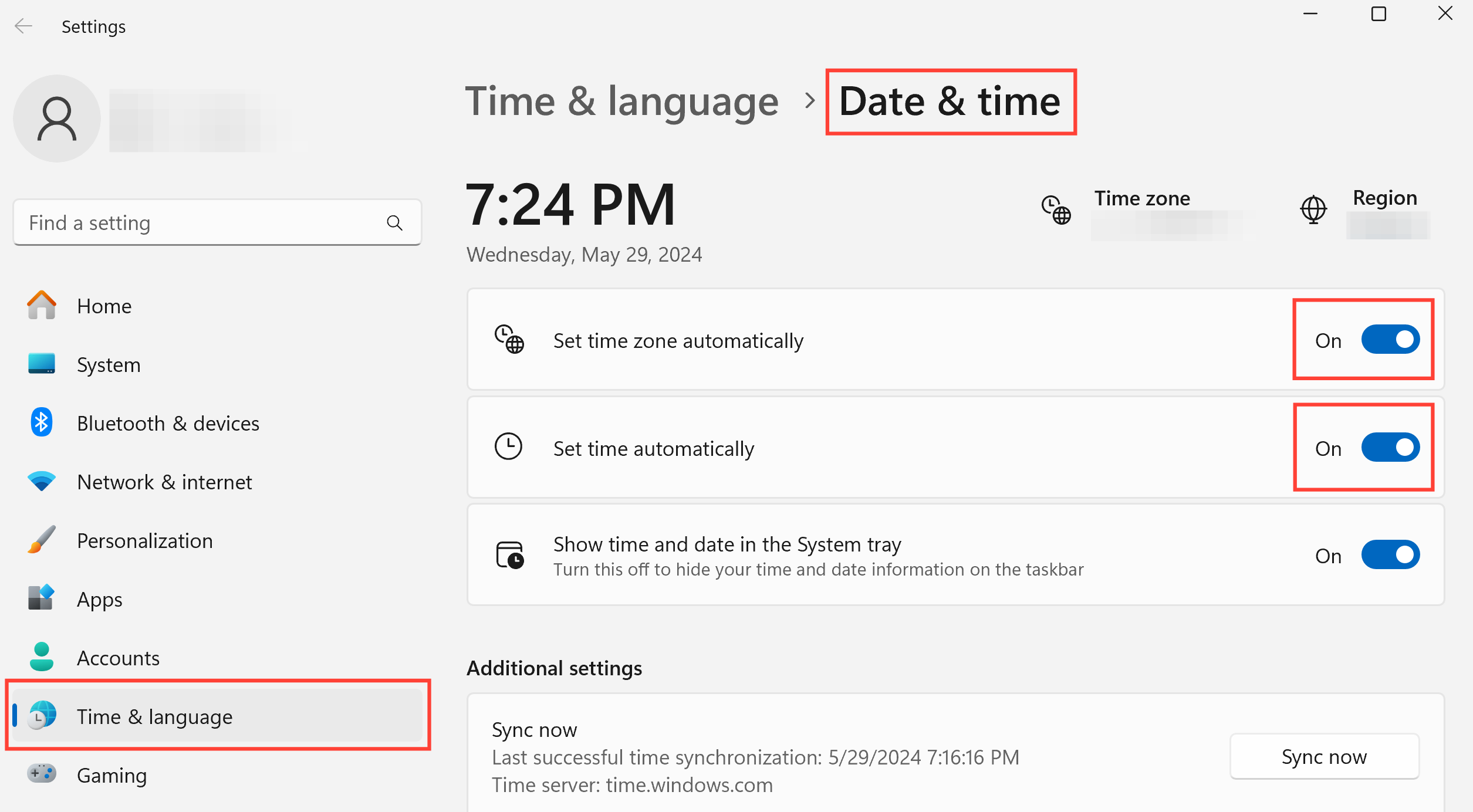
Encountering errors like “ERR_CONNECTION_CLOSED,” “ERR_TIMED_OUT,” or “ERR_CONNECTION_RESET” when starting your profile?
Don't worry! This usually means there is a problem with your global IP server – either it's offline or not functioning properly. Let's fix it together.
Test Your Global IP
To determine whether the problem lies with the global IP, please perform a test first. You can test the global IP using three simple methods! For a detailed guide, please refer to this article: How to Test the Global IP.
Did the global IP test pass?
If your global IP test is successful, that's great! If not, it's time to explore other possible fixes. Check out our guide to learn how to fix profile startup or global IP connection issues and find out more steps. Through these steps, you will be able to quickly diagnose and fix any errors related to the global IP. If you need further assistance, please let us know!

In this article
- Test your global IP
- Did the global IP test pass?
Multilogin Community
Stay informed, share your thoughts, and interact with others!
Read more related content
Related Articles
- How to fix the 'Failed to get profile data' error
- How to fix the 'Access denied' error
- How to fix the 'Aw, Snap!' error
- How to fix the 'Too many requests' error
- How to fix the 'Some settings were reset' error
- How to fix the 'Unable to open profile' error