- Home
- Global IP & Masked IP Address
- Basic Knowledge of IP Mask
- FAQ on Global IP and IP Masking
Global IP and IP Blocking Frequently Asked Questions
Author Yelena V (Updated on March 4, 2026)
Updated on March 4, 2026
The Importance of a Global IP
Although Multilogin blocks all necessary browser fingerprints, a global IP can ensure that your real IP and IP-related parameters remain hidden – preventing you from being detected.
To ensure security, use a different global IP for each browser profile managing separate accounts.
But not all global IPs are created equal! Low-quality global IPs may:
- 🔍 Expose your real IP
- 🚫 Get blacklisted
- ⚠️ Trigger website restrictions or bans
Our recommendation: Be sure to use high-quality global IPs provided by reputable providers to avoid detection and ensure your account security. Learn how to choose global IP types or use our built-in features: Multilogin Global IP: FAQ!
Do I need to create a new global IP for each browser profile?
If you use Multilogin to manage multiple accounts – then yes, it is best to set a different IP (global IP) for each browser profile to ensure they have different IP-related data. If you use a 4G hotspot, you need to restart it to obtain a new IP.
Can I use third-party applications with Multilogin?
Some third-party applications may interfere with Multilogin, causing browser profile and connection issues. These applications include:
- 🦠 Antivirus software
- 🔥 Firewall
- 🌍 VPN applications
- ⚒️ Global IP tools (such as Proxifier, SocksEscort)
To avoid conflicts, we recommend uninstalling these applications. If you cannot uninstall them, try disabling them, or whitelist Multilogin and its folders in the settings.
Can I use a VPN to hide my IP?
Only supports OpenVPN protocol – other VPN protocols may cause issues.
Important limitations: The VPN assigns an IP address to your entire system. This means:
- ❌ You cannot use different IPs for multiple browser profiles simultaneously
- ✅ Instead, you need to operate one profile at a time and change the IP before opening a new profile
Best practice? If you need to assign unique IPs for multiple profiles running at the same time, consider using a global IP instead of a VPN.
How do I know my global IP type?
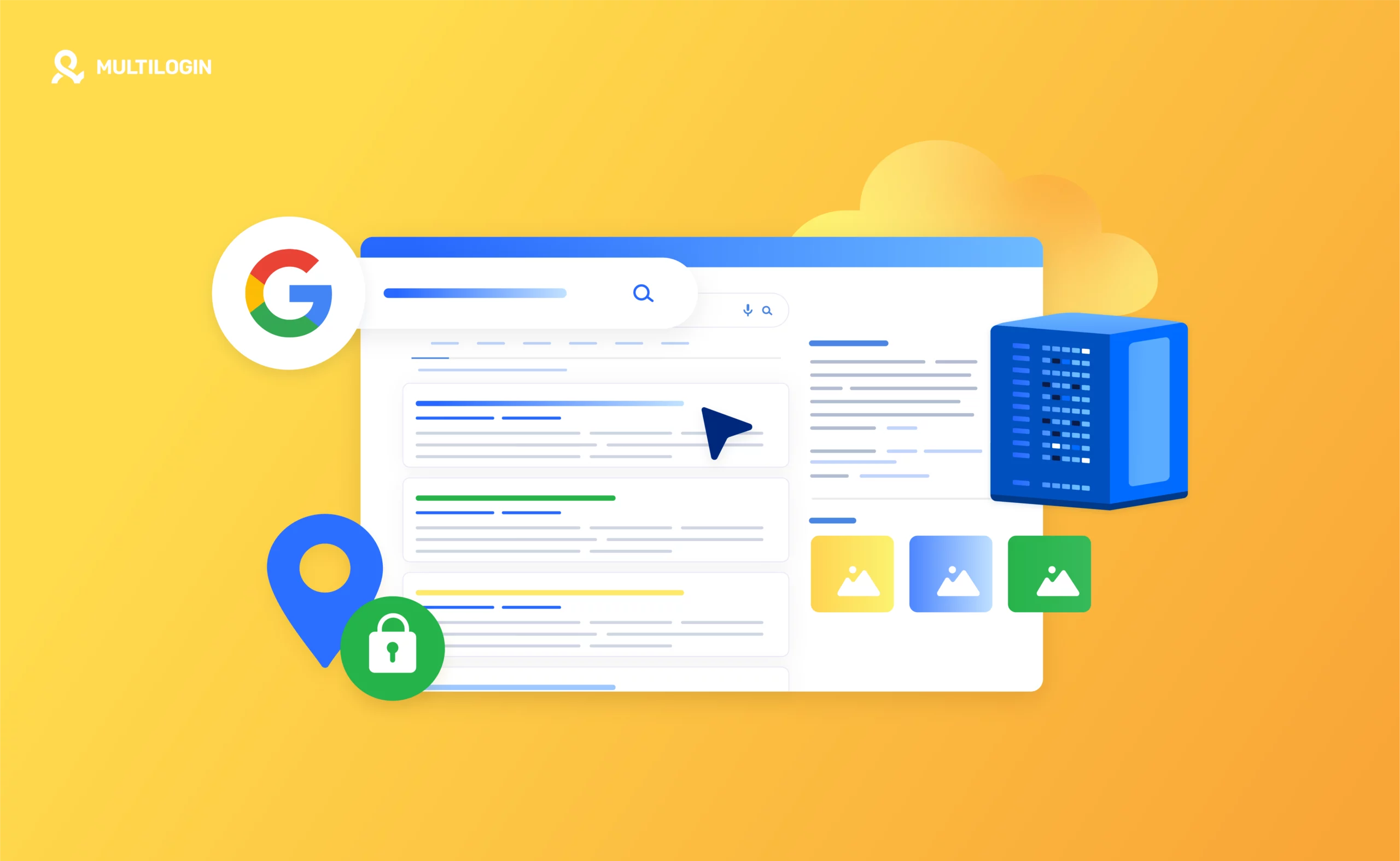
You can check with your global IP provider or search for it yourself. To see whether your global IP is a residential global IP or a data center global IP, visit browserleaks.com/ip and look for the 'Usage Type' parameter. Alternatively, look at the 'ISP' parameter right above it, and then search its name on Google:
- If the ISP is a web hosting company, you likely have a data center global IP.
- If the ISP provides wireless communication, phone, data/broadband, and internet services, the global IP should be residential.
In this article
- The importance of a global IP
- Do I need to create a new global IP for each browser profile?
- Can I use third-party applications with Multilogin?
- Can I use a VPN to hide my IP?
- How do I know my global IP type?
Multilogin Community
Stay informed, share your thoughts, and interact with others!
Read more related content
Related Articles
- How to fix configuration file startup and global IP connection issues