- Home
- Global IP & Masked IP Address
- Basic Knowledge of IP Masking
- How Global IP and Multilogin Change the Content Detected by Websites
How Global IP and Multilogin Change the Content Detected by Websites
Author Yelena V (Updated on March 4, 2026)
Updated on March 4, 2026
Have you ever wondered what actually changes after adding a global IP server, or more precisely, after using a global IP server in a Multilogin profile? Let's explain in detail what happens behind the scenes through a side-by-side comparison.
In this example, our original location is Belarus, and our target location is Romania.
The examples discussed in this article are just examples. In reality, Multilogin simulates or hides far more than just your IP, WebRTC, and DNS information. We also control various browser fingerprint details, such as screen resolution, fonts, and other unique identifiers, making it harder for websites to track your activity or associate your profiles.
🔴 Chrome No global IP (fully exposed)
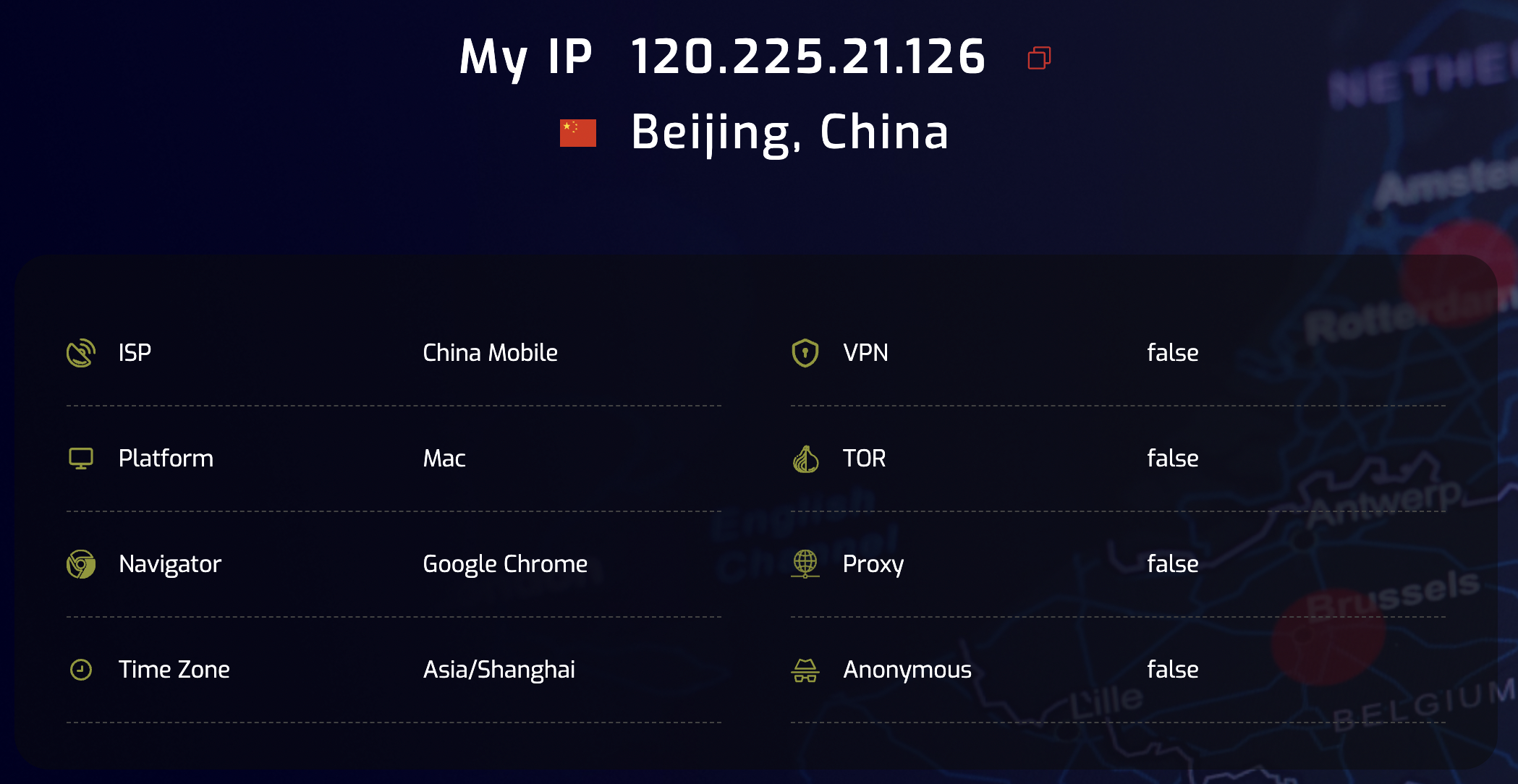
This is your default connection – no global IP, no protection.
What websites see:
- Real IP address – 46.53.250.247
- Real location – Belarus
- ISP – your actual internet provider
- WebRTC – disabled here, but in many settings it can leak your real IP
- DNS leak – DNS requests go through your real ISP
In short: you are fully visible – any website can accurately detect your location and who your provider is.
🟡 Chrome Global IP (Not Fully Hidden)
You are now using a global IP in Chrome – but there is no fingerprint protection.
Changes:
- IP address – 109.166.131.127 (Romania)
- Location – changed to Romania via global IP
- However… WebRTC leak shows your real IP – 46.53.250.247
- DNS still leaks – your browser sends DNS requests to your original ISP
In short: it looks much better, but it's not foolproof. WebRTC and DNS leaks can still expose your real identity via WebRTC.
🟢 Multilogin Configuration File Global IP (Full Protection)
You are now running the same global IP, but within the Multilogin profile.
Fixes:
- IP Address – Still 109.166.131.127 (Romania)
- WebRTC – Fully blocked, no IP leaks
- DNS Leaks – Protected; DNS requests go through the global IP server
- Everything matches — location, IP, and fingerprint align with your global IP settings
In short: this is the effect of total stealth. You are completely indistinguishable from a regular mobile user hidden in Romania, with no exposure of your real location or settings.
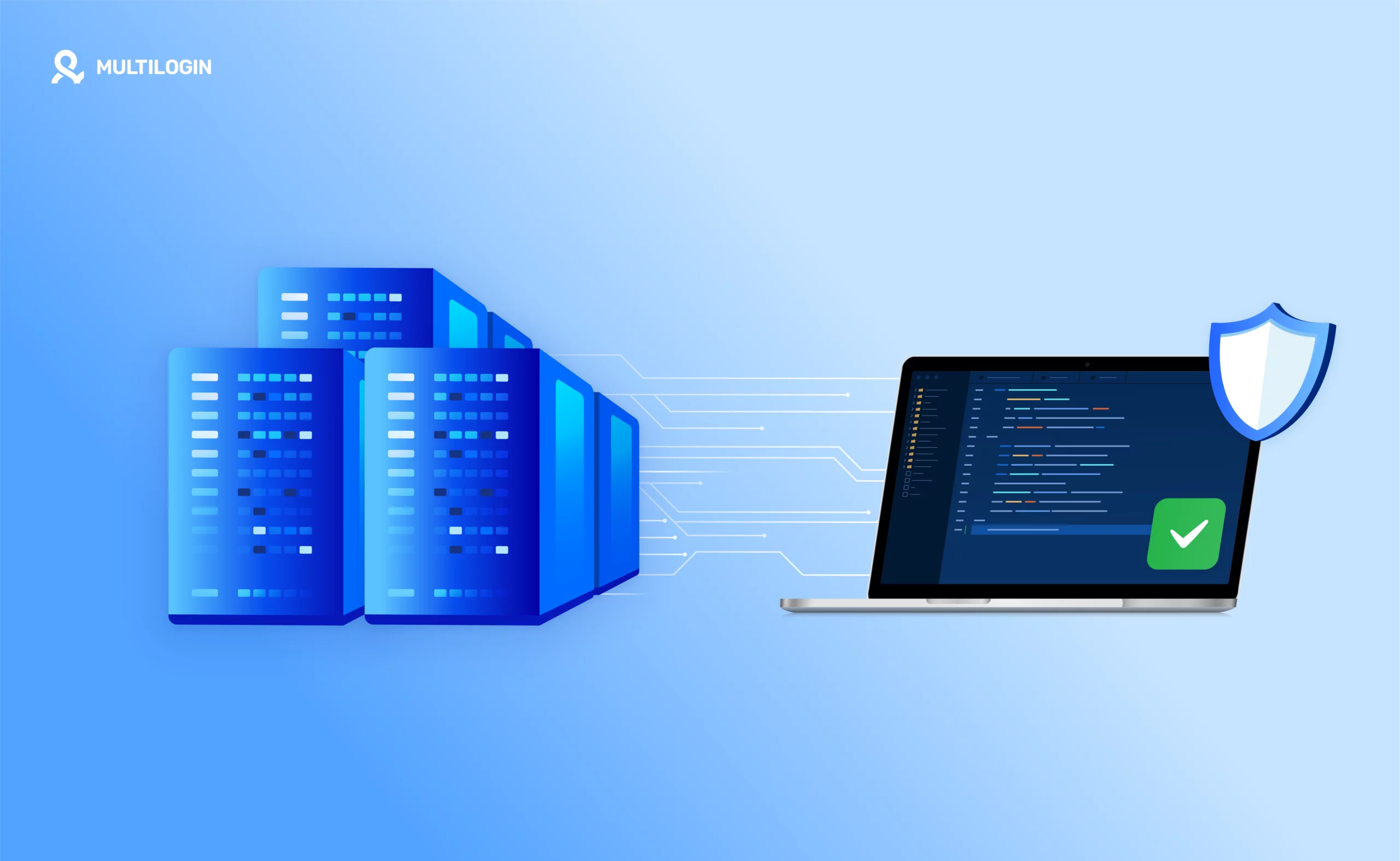
What does this mean
Here is a quick side-by-side comparison of results under different settings:
Settings | IP Hiding | WebRTC Leak Protection | DNS Leak Protection | Fingerprint Control
🔴 Chrome No Global IP | ❌ | ❌ | ❌ | ❌
🟡 Chrome Global IP | ✅ | ❌ | ❌ | ❌
🟢 Multilogin Global IP | ✅ | ✅ | ✅ | ✅
Final Tip
Want to look like a real mobile or computer user and avoid being flagged or blocked? Use your global IP in your Multilogin profile. This is the only way to ensure that your fingerprint, IP, and DNS data fully match and are protected.
In this article
- 🔴 Chrome No global IP (completely exposed)
- 🟡 Chrome Global IP (not fully hidden)
- 🟢 Multilogin profile Global IP (fully protected)
- What this means
- Final tips
Multilogin Community
Stay informed, share your thoughts, and interact with others!
Read more related content
Related Articles
- How to choose the correct global IP type
- Frequently asked questions about global IP and IP masking
- How to test global IP in Multilogin
- What happens if you don't use a global IP in Multilogin